Build and backtest your first options strategy in under 5 minutes
Quick Start Guide
Welcome to GreeksLab - a platform for building and backtesting options trading strategies. This guide will walk you through creating complex multi-leg strategies, setting up entry and exit rules, and running your first backtest.
Step 1: Create Your First Strategy
After registering your account, you'll be taken to the list of strategies. To create a new strategy, click the "New Strategy" button.
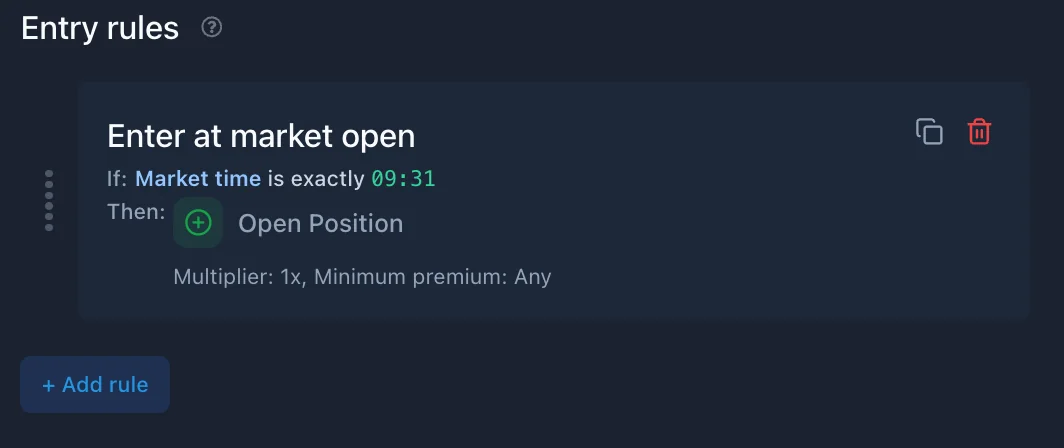
To get you started, whenever you create a new strategy we generate a default strategy for you. You can edit it to your liking. A strategy consists of backtest settings and one or more position templates. To run a backtest, you need at least one position template with a defined options combo, along with entry and exit conditions.
First, give your strategy a descriptive name. Click on the strategy name to edit it. A good name helps you identify a strategy later when you have multiple strategies.
Step 2: Configure Backtest Settings
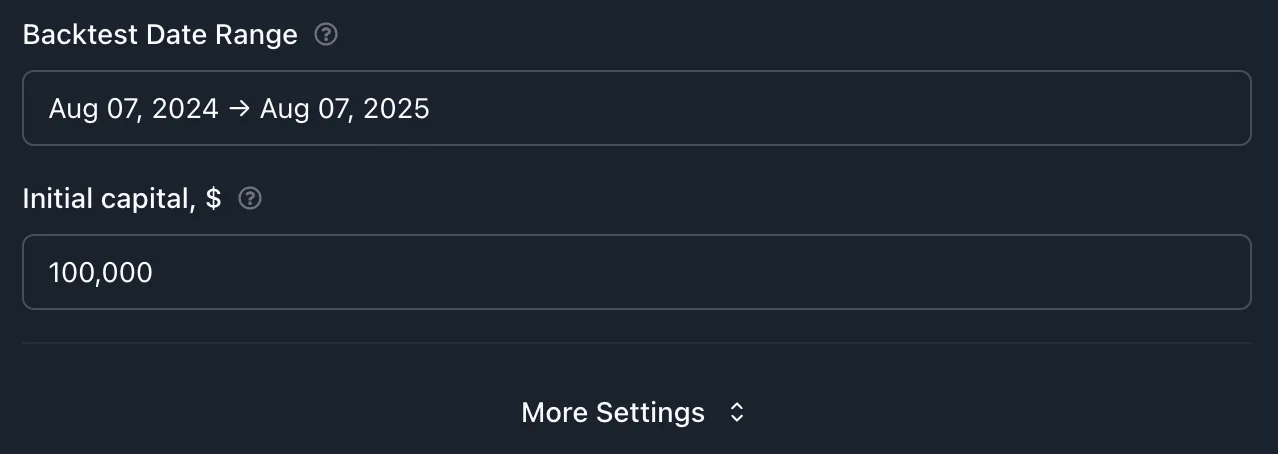
Configure the backtest parameters to define how the strategy will be evaluated against historical data:
Date Range: Select the start and end dates for the backtest period
Initial Capital: Defaults to $100,000; adjust to reflect the intended account size
Commissions and Slippage: Specify transaction costs and execution slippage to simulate realistic trade performance
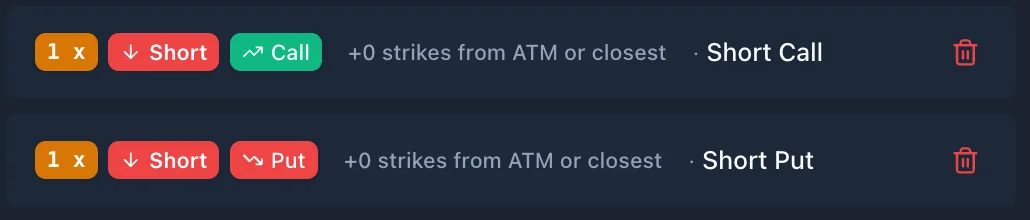
Each leg represents a single option contract that the backtester will select and trade at the moment of execution. The leg definition includes the following components:
Leg Ratio: Determines the quantity relative to the base position size (e.g., 1 for a single contract, -2 for doubling the opposite side)
Option Right: Specifies whether the leg is a Call or Put
Action: Indicates whether the leg is Long (buy) or Short (sell)
Selector: Defines how the backtester selects the option contract for a trade (e.g., by delta, strike offset, OTM%, or premium)
Each position can include multiple legs. A leg can have multiple linked legs to define relative strike spacing.
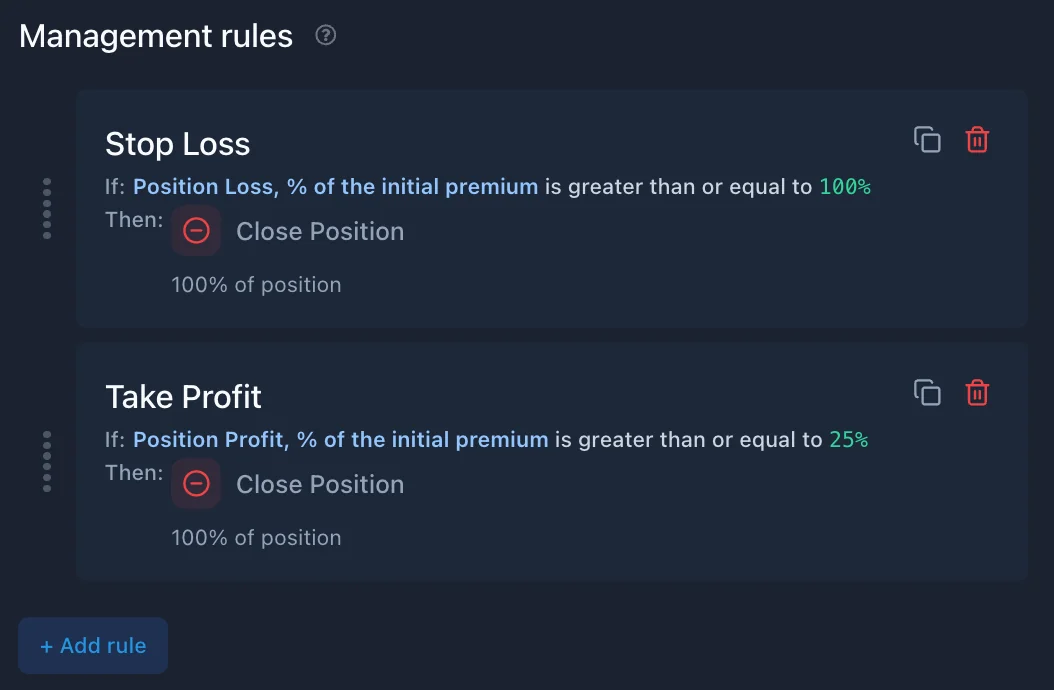
Management rules define how positions are managed while they are open. Each rule consists of:
Conditions: Criteria based on market, position, or time-based factors
Action: One of the following:
Close Position
Close Legs
Roll Leg
Examples of common management rules:
Profit Target: Close the position if profit exceeds 50% of the premium collected
Stop Loss: Close the position if loss exceeds 200% of the premium
Time-Based Exit: Close the position 4 hours before expiration to reduce gamma risk
Unlike entry rules, multiple management rules can execute. Rules are evaluated in priority order, from top to bottom. Drag-and-drop can be used to reorder them.
Before running the backtest, review the configured strategy.
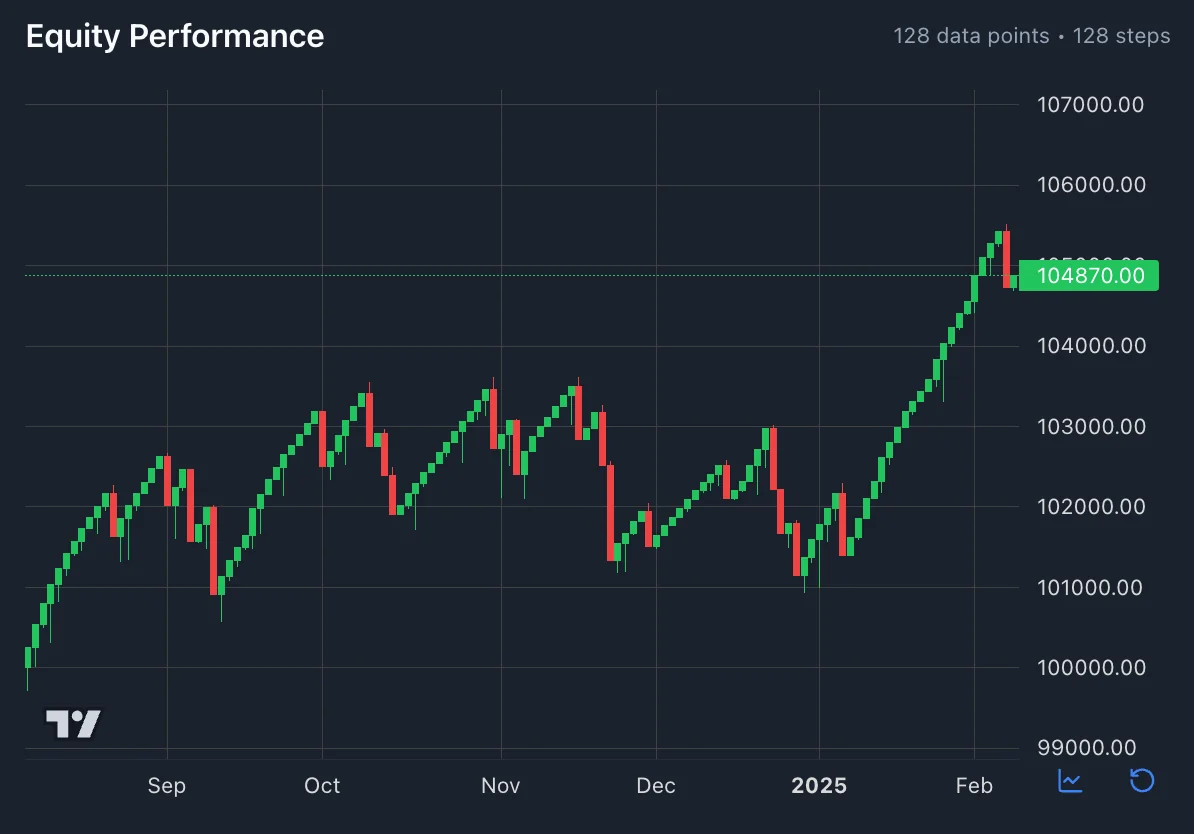
Once configuration is complete, click the Run Backtest button. The system will begin processing and automatically redirect to the results page, where detailed performance metrics will be displayed as they are calculated.
Step 8: Analyze Your Results
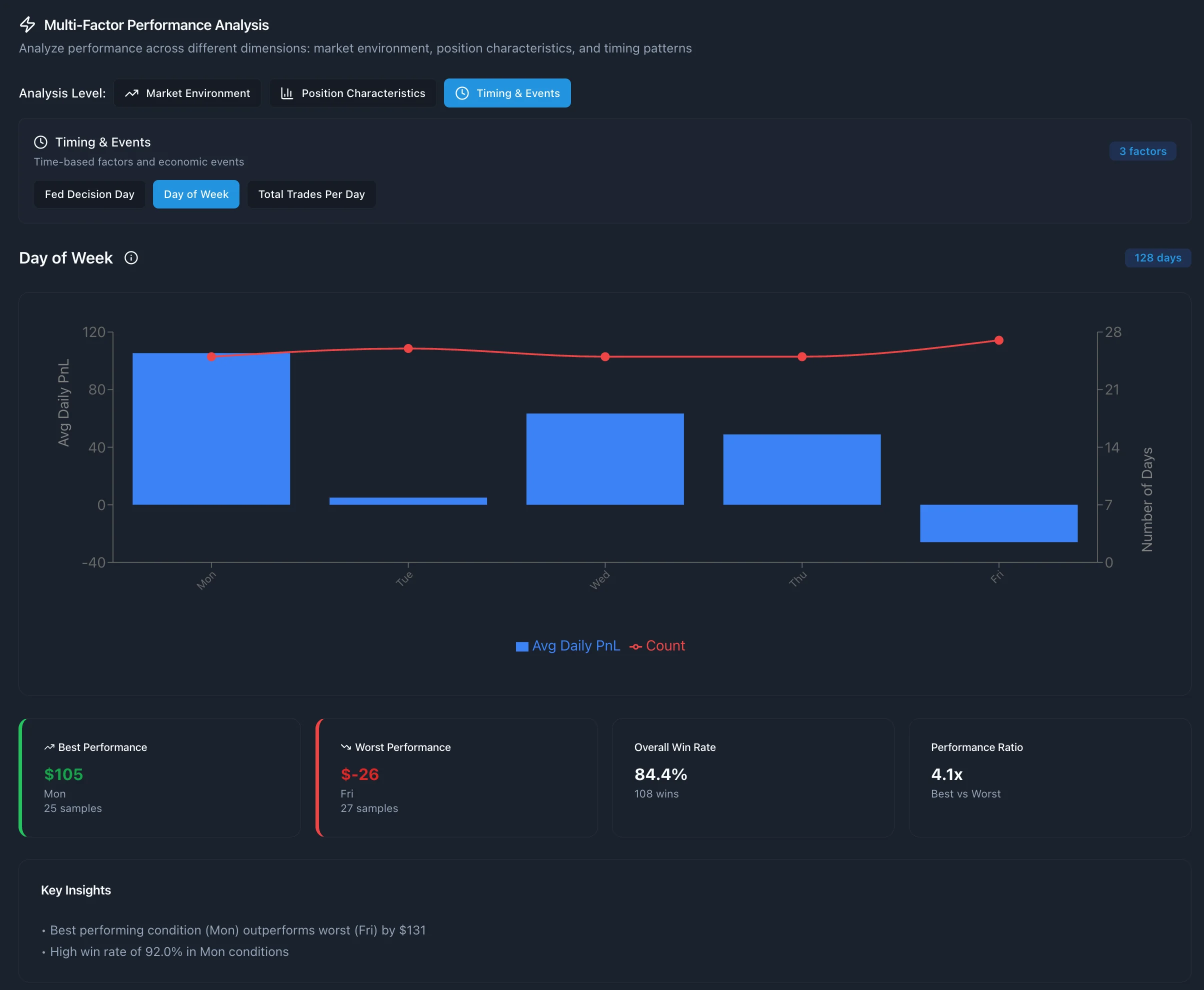
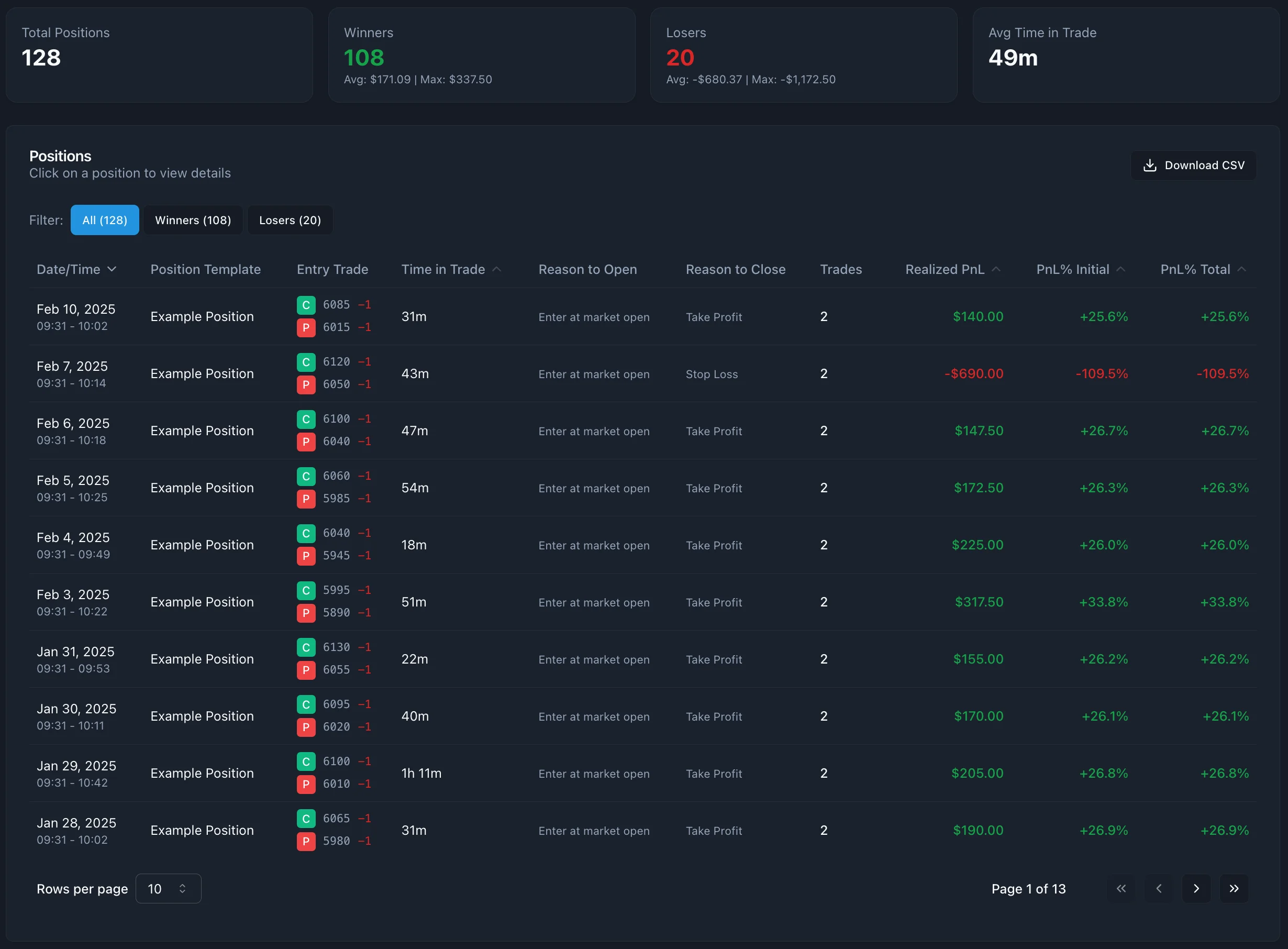
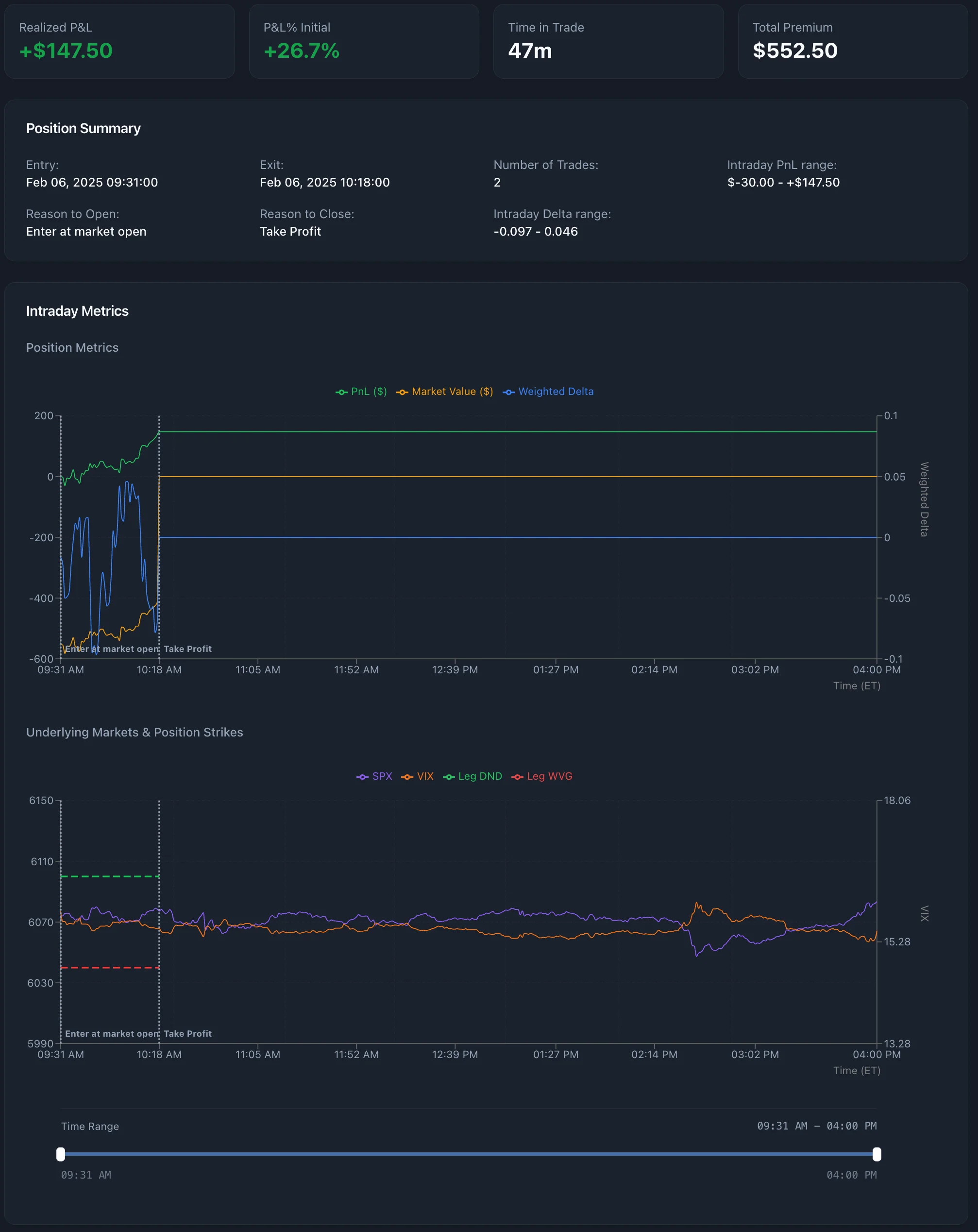
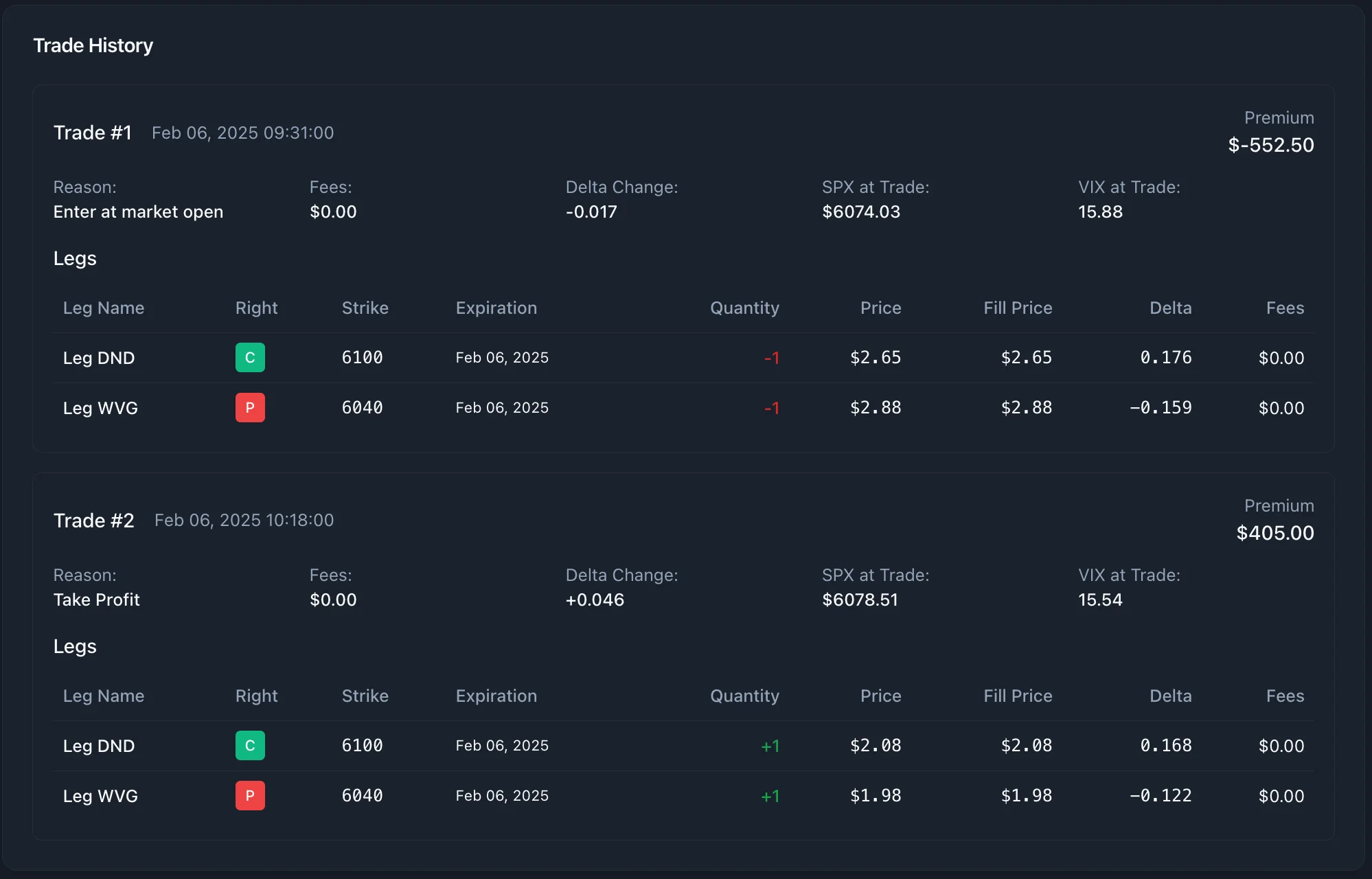
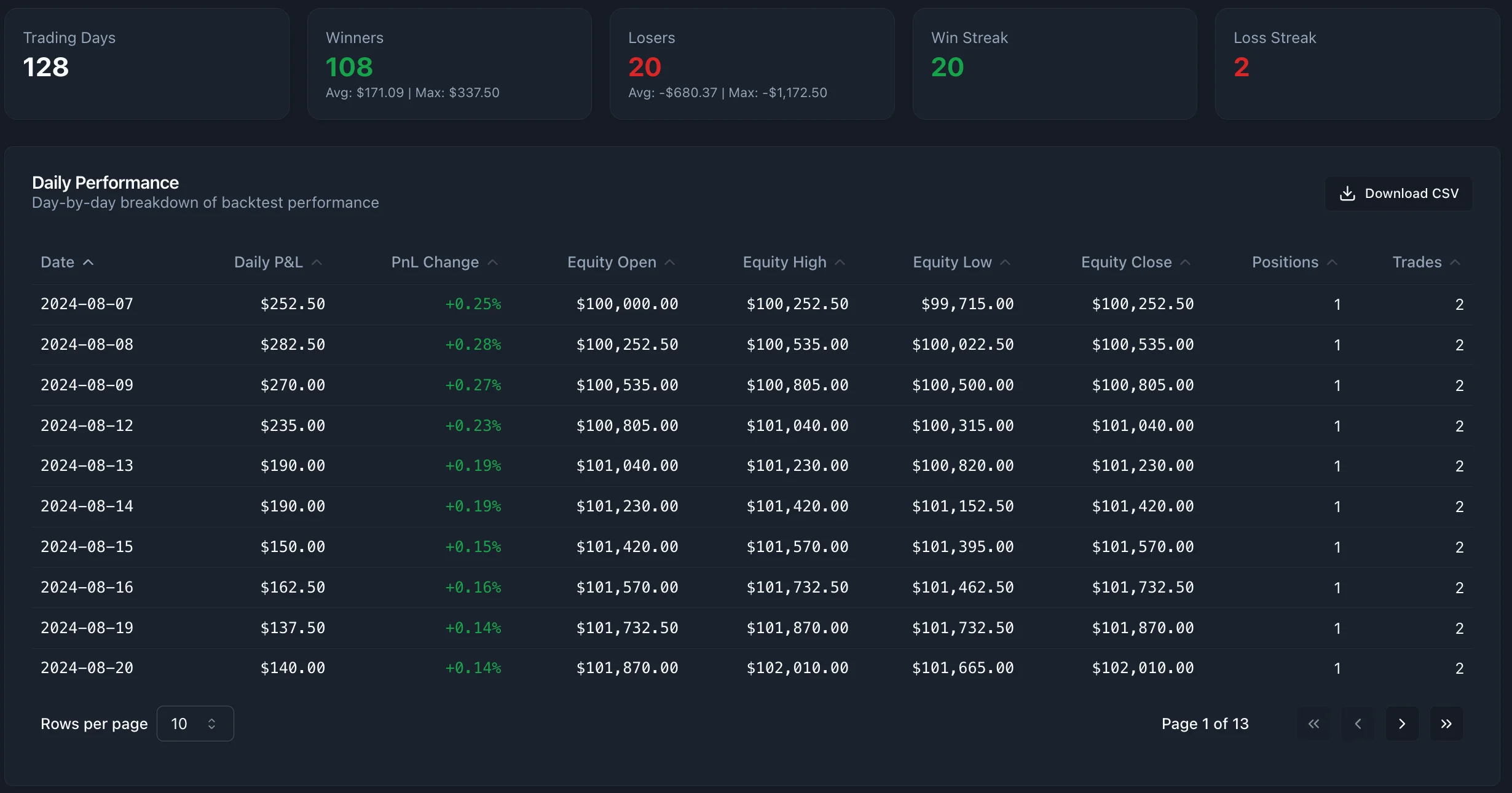
The backtest results page is organized into several tabs, each designed to provide detailed insights into the strategy's performance.